Give your home a dedicated display
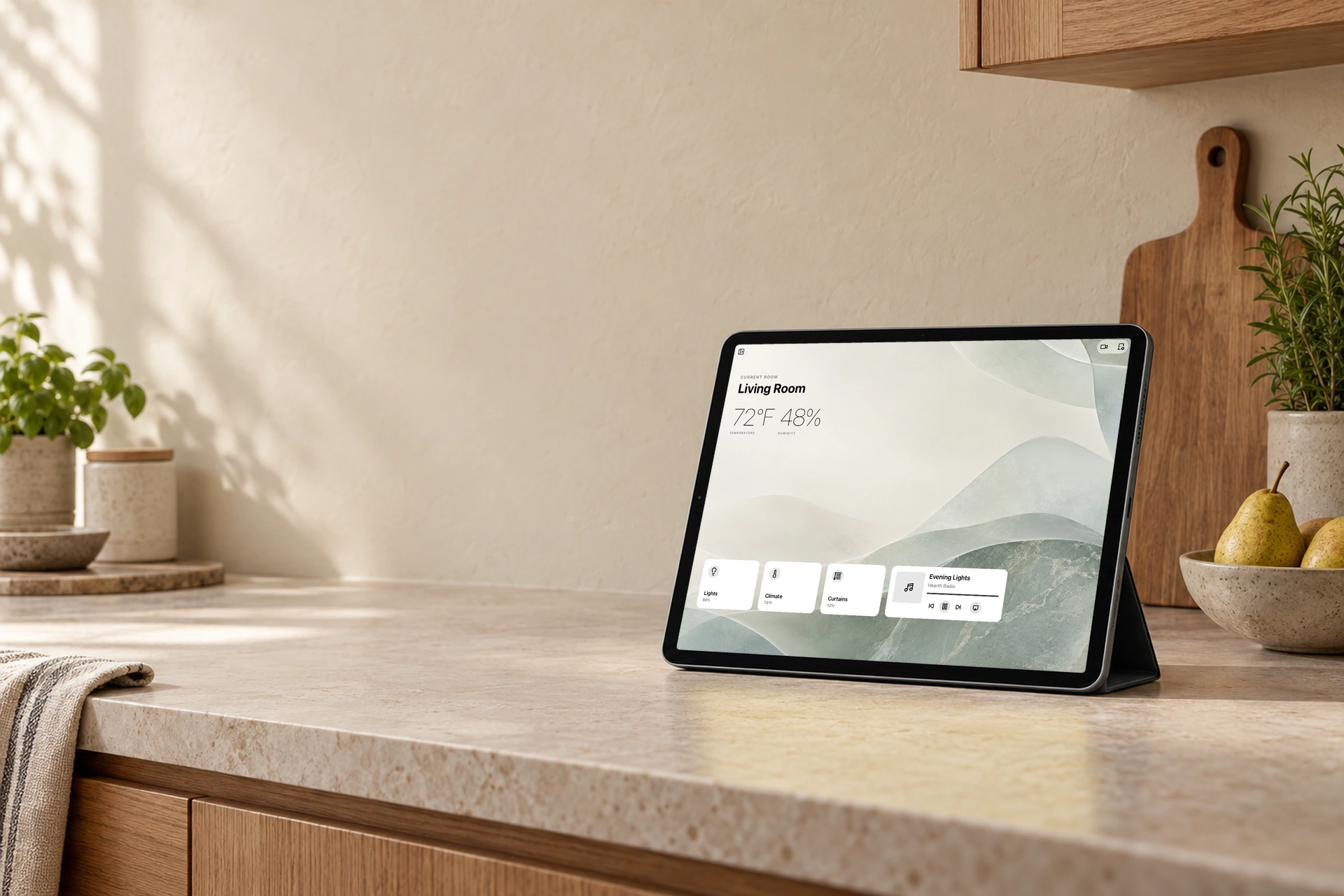
Walk by and set the room’s lighting just right. When things quiet down, keep time and your home’s status in view. Hearth puts Apple Home on a screen within reach.
More than a clock
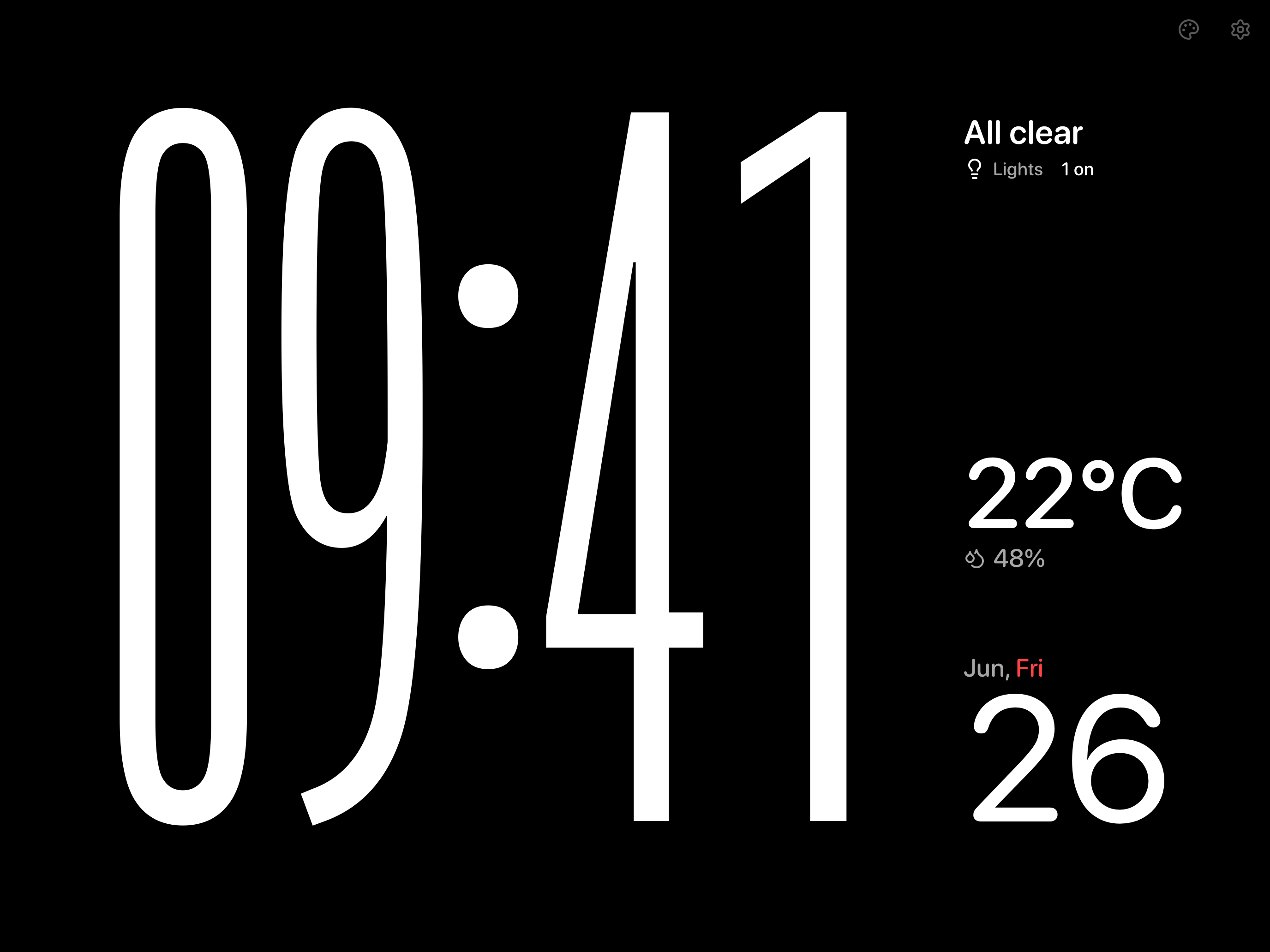
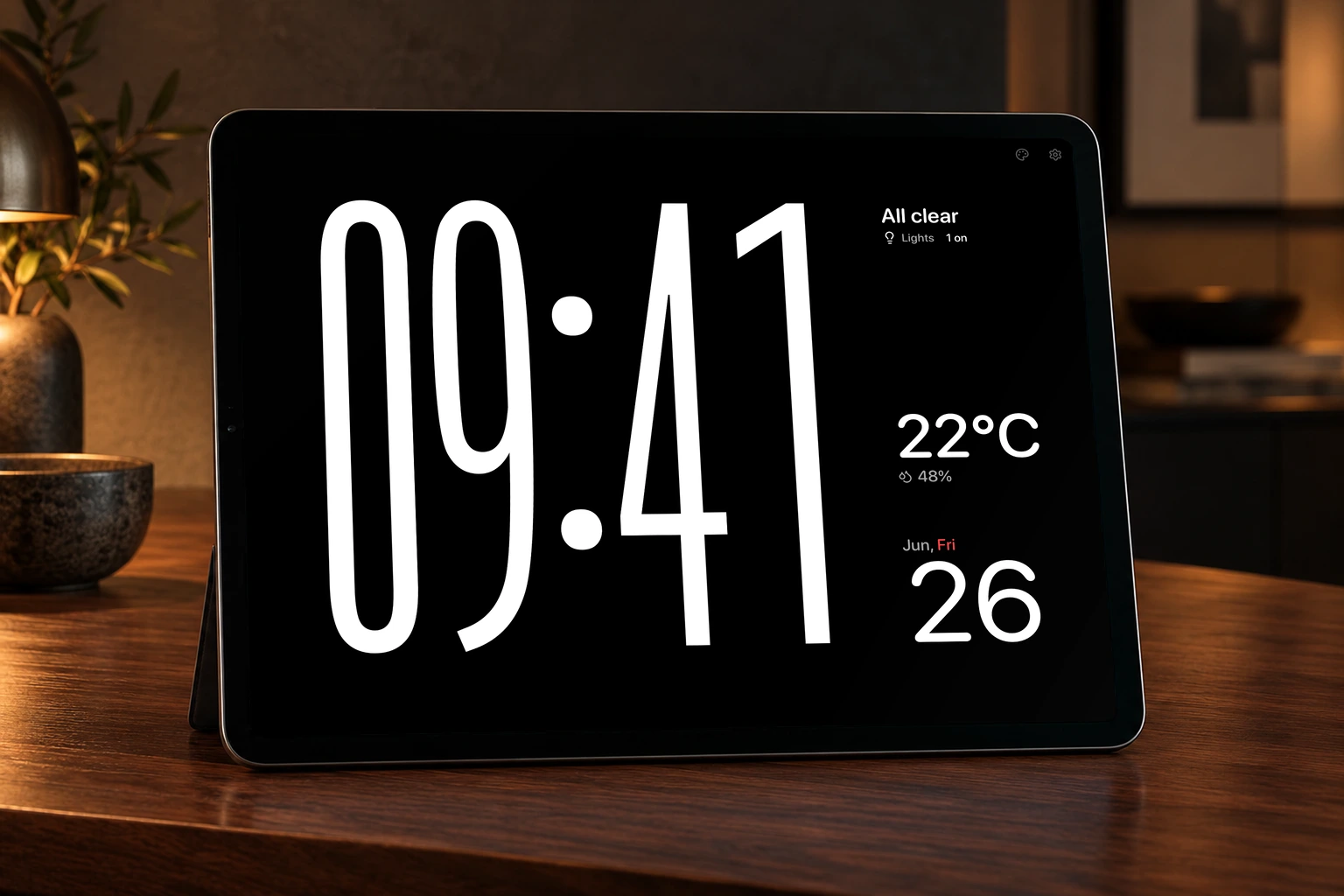
Choose a built-in clock or create a Modular screensaver. Save up to three custom screensavers for free.
Tap to switch. Glide to adjust.
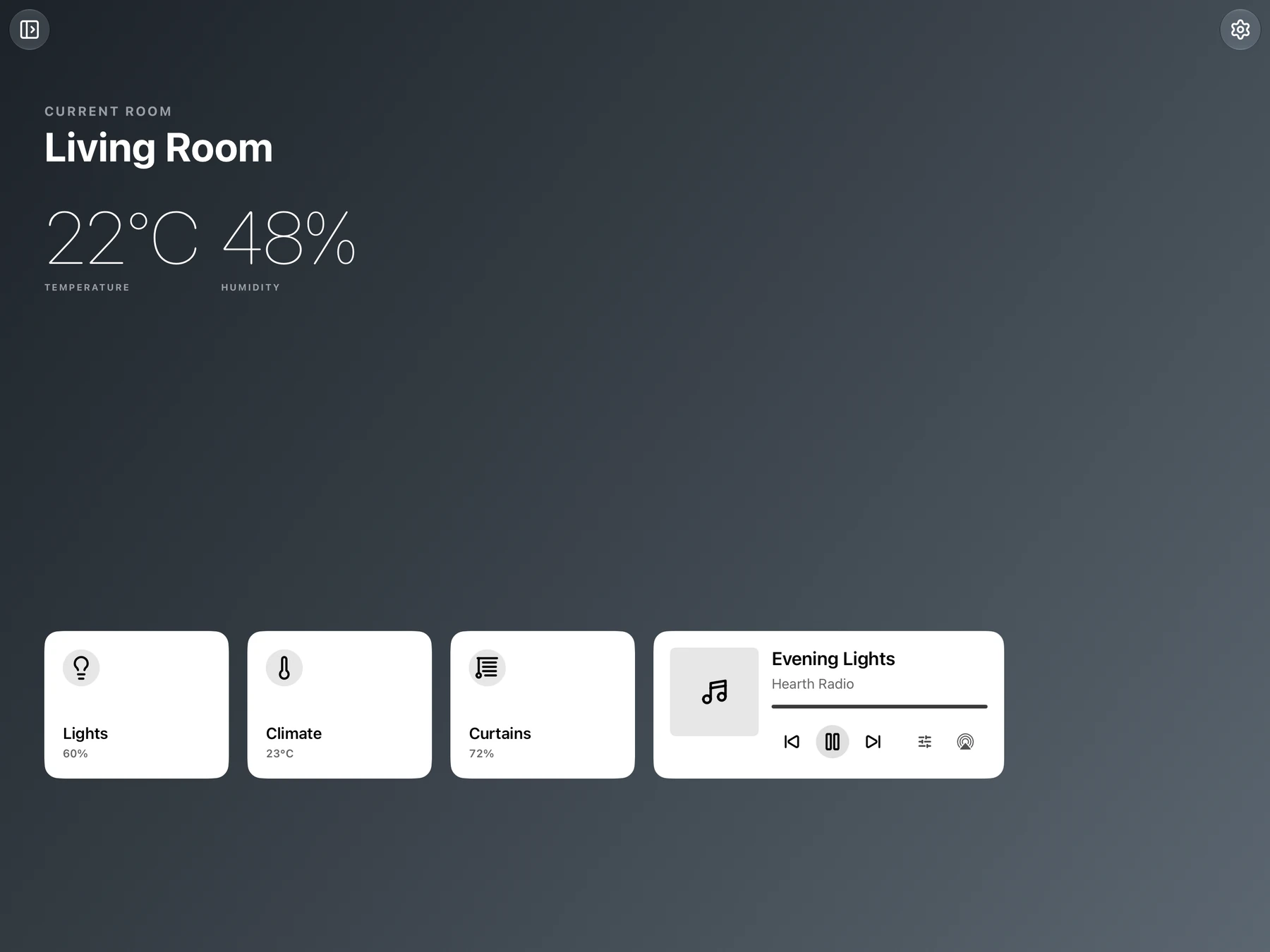
Adjust room lighting, target temperature, or curtain position directly from the room’s control cards.
Comfort for a dedicated display
Set dashboard and screensaver brightness separately. Night Mode and burn-in reduction are included for everyone.
No Hearth account required
HomeKit data is processed on your device and is not sent to the developer. Optional settings sync uses your iCloud account.
Your home, at a glance
Build a Modular screensaver with clocks, indoor temperature and humidity, home status, a date calendar, and battery level. Choose a layout, resize and rearrange modules, then make it yours from the preview.
A glide to set the room’s light
Glide up or down on the lighting card to adjust room brightness. Tap to switch the lights on or off, or press and hold for more lighting controls. The card opens into a slider right where your finger is, making a quick adjustment part of passing through the room.
Make it feel at home
Choose a built-in gradient for each room. With Pro, use your own photo and match the interface appearance to the background.
A place for your iPhone, too
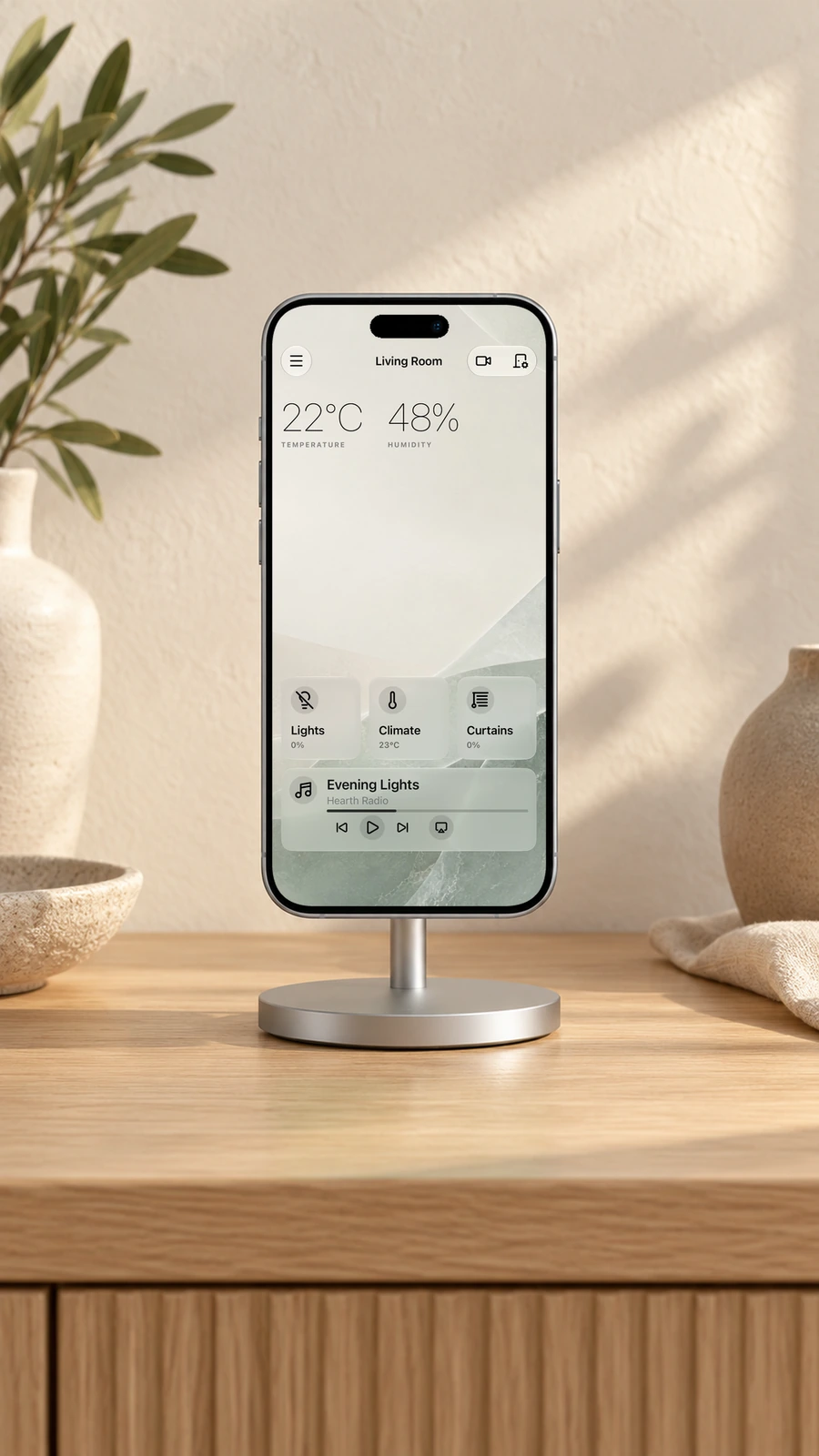
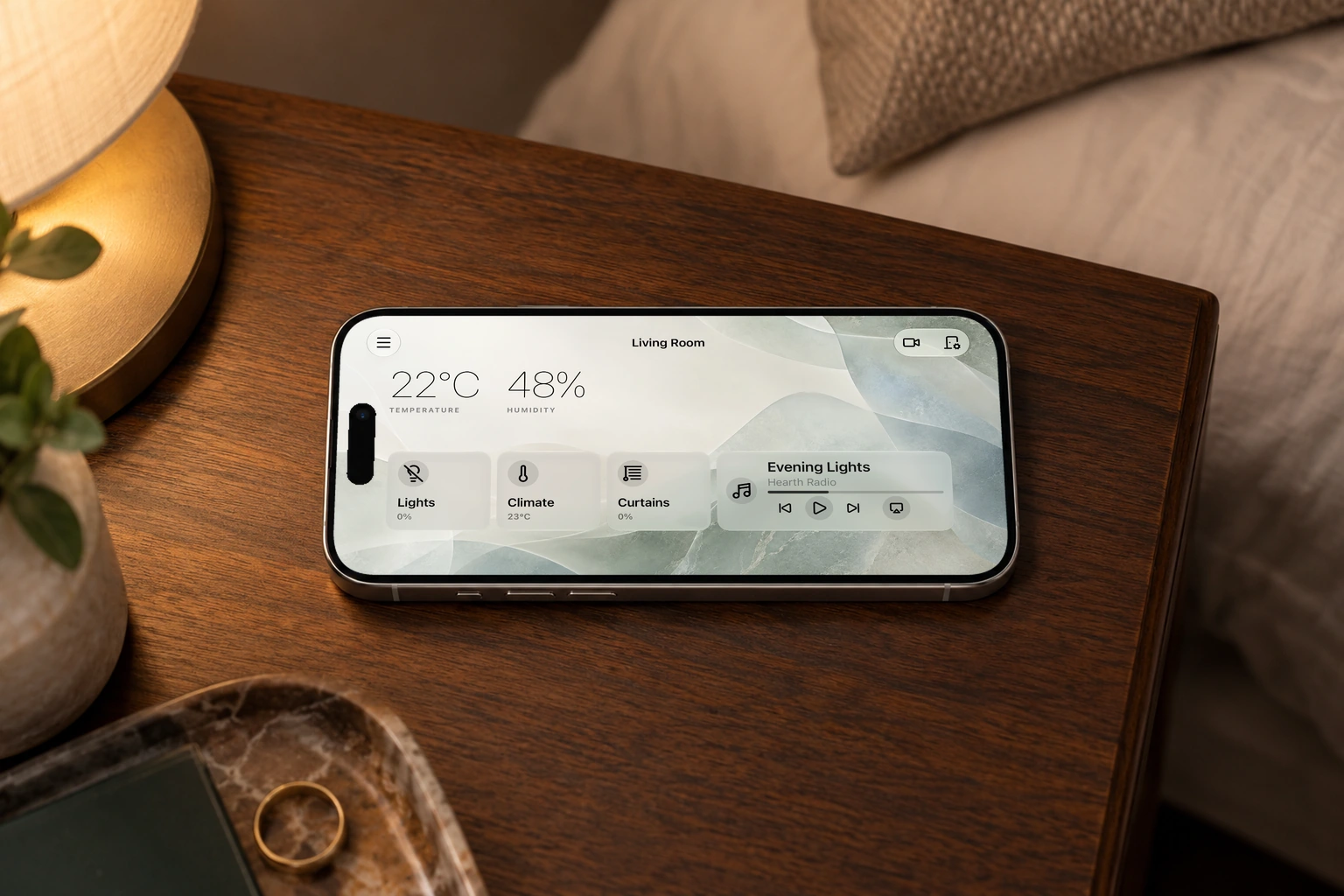
Keep Hearth open on your bedside iPhone for a quiet clock and room controls. The dashboard works in portrait and landscape; choose when it enters the screensaver.
Set the pace for day and night
Choose separate brightness settings for the dashboard and screensaver. Scheduled Night Mode and subtle pixel shifting are now free, helping reduce OLED burn-in risk. These features cannot eliminate display wear.
The details that make a home display useful
Start with a home and compatible accessories configured in Apple Home.
iPhone, in either orientation
Use the dashboard in portrait or landscape, on a stand or in your hand.
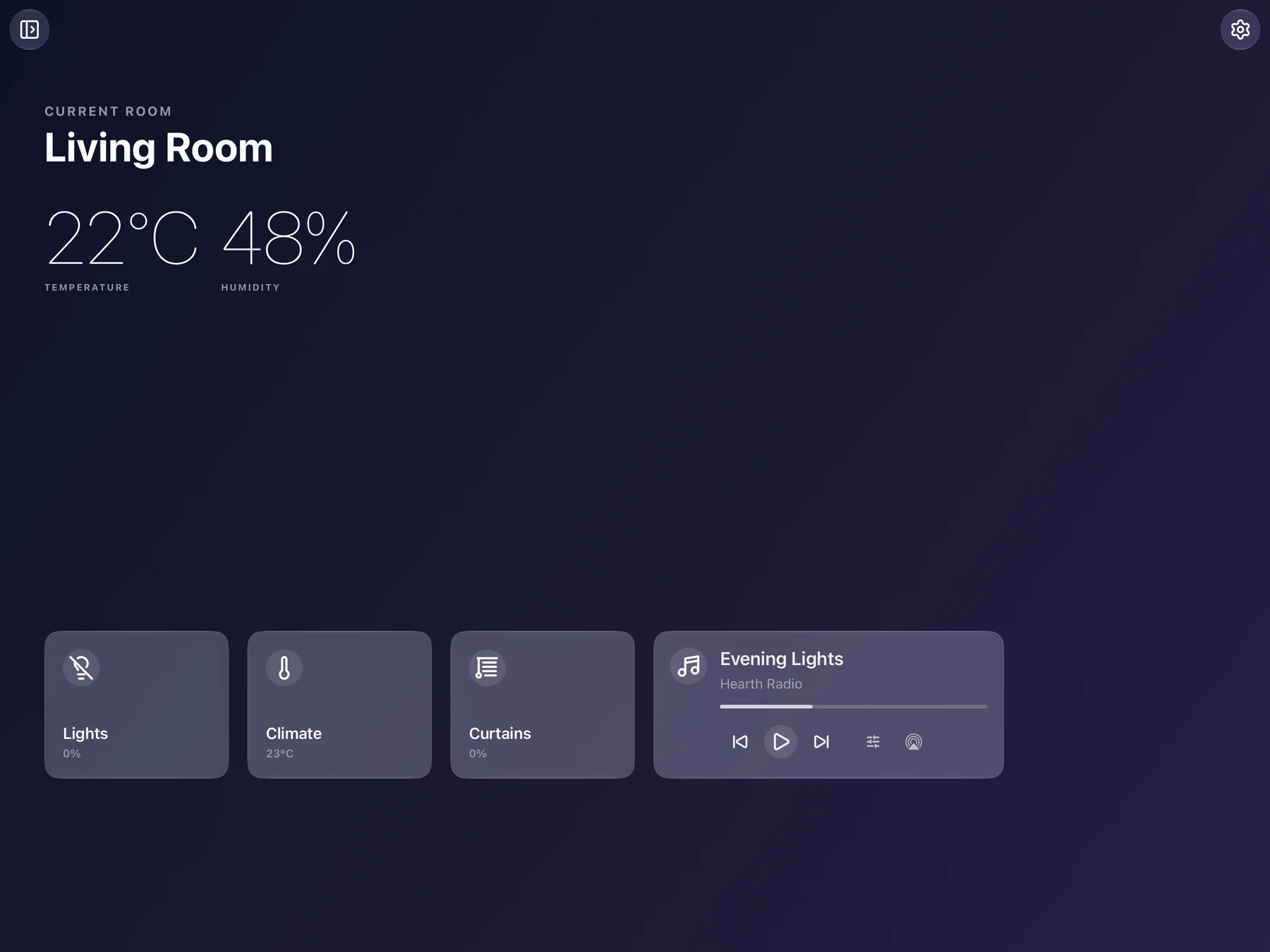
Lights, climate, and curtains
Control supported accessories individually or together by room.
Apple Music controls
See artwork and control Apple Music playback. An active Apple Music subscription is required.
Presence Wake with Pro
Use a compatible HomeKit presence sensor, or experimental front-camera detection while Hearth is visible. Camera frames are processed on device.
Compatible Apple Home accessories
Hearth uses accessories exposed through HomeKit, including supported Matter devices added to Apple Home. Available controls depend on the accessory.
Rooms and zones with Pro
View every room and zone in your current home. Free includes one active room at a time.
More than a clock
Choose a built-in clock or create a Modular screensaver. Save up to three custom screensavers for free.
Settings sync with Pro
Opt in to sync supported display preferences between your devices through your private iCloud storage.
Start with one room
Free includes the essentials. Choose Lifetime Pro as a one-time purchase, or an auto-renewing monthly subscription.
Hearth Free
One active room, core controls, and screensavers made your way.
- One active room with core controls and room status
- Built-in gradient backgrounds and all built-in clock styles
- Up to three custom screensavers
- Night Mode, burn-in reduction, and room display preferences
Lifetime Pro
One purchase. Every Pro feature, with no recurring payment.
- All rooms and zones in the current home
- Custom photo backgrounds and adaptive appearance
- Create unlimited additional custom screensavers
- Presence Wake and camera events
- iCloud settings sync
Pro Monthly
Recommended for trying Pro
Every Pro feature, billed monthly.
- All rooms and zones in the current home
- Custom photo backgrounds and adaptive appearance
- Create unlimited additional custom screensavers
- Presence Wake and camera events
- iCloud settings sync
Both Pro plans unlock the same features. The monthly trial is for eligible customers; the subscription renews automatically unless canceled. Prices and offers shown in Hearth before purchase apply to your App Store region.
Questions about Hearth
Devices, Free and Pro, and privacy, explained.
What is Hearth, and which devices does it support?
Hearth for HomeKit turns an iPad or iPhone into a dedicated Apple Home dashboard, with room controls and customizable screensavers. It runs on iPadOS 17 or later and iOS 17 or later, for a wall mount, kitchen counter, bedside stand, or handheld use.
What do I need to get started?
Set up your home and compatible accessories in Apple Home, sign into iCloud, and allow Hearth to access HomeKit. Hearth works with accessories exposed through HomeKit, including supported Matter devices added to Apple Home. The controls available depend on each accessory.
What is included in Hearth Free?
Free includes one active room at a time, core accessory controls, built-in gradient backgrounds, all built-in clock styles, and up to three custom screensavers. Night Mode, burn-in reduction, and room display preferences are also included.
What does Pro add, and how do the plans differ?
Pro adds all rooms and zones in the current home, photo backgrounds, adaptive appearance, unlimited additional custom screensavers, Presence Wake, camera events, and iCloud settings sync. Lifetime Pro is a one-time purchase; Pro Monthly renews automatically until canceled. Both unlock the same features. Prices and any trial offers are shown in Hearth before purchase.
Do I need Presence Wake or an extra sensor?
No. You can use touch controls without enabling Presence Wake. Pro offers wake triggered by a compatible HomeKit presence sensor, or optional, experimental front-camera detection. Camera detection works only while Hearth is open and visible in the foreground.
Do I need a Hearth account, and what happens to my home data?
No Hearth account is required. HomeKit data is processed on your device and is not sent to the developer. Optional settings sync uses your private iCloud storage.